TUI for Windows games on Linux with a configurable library, Proton detection, search, and true quick-launch.
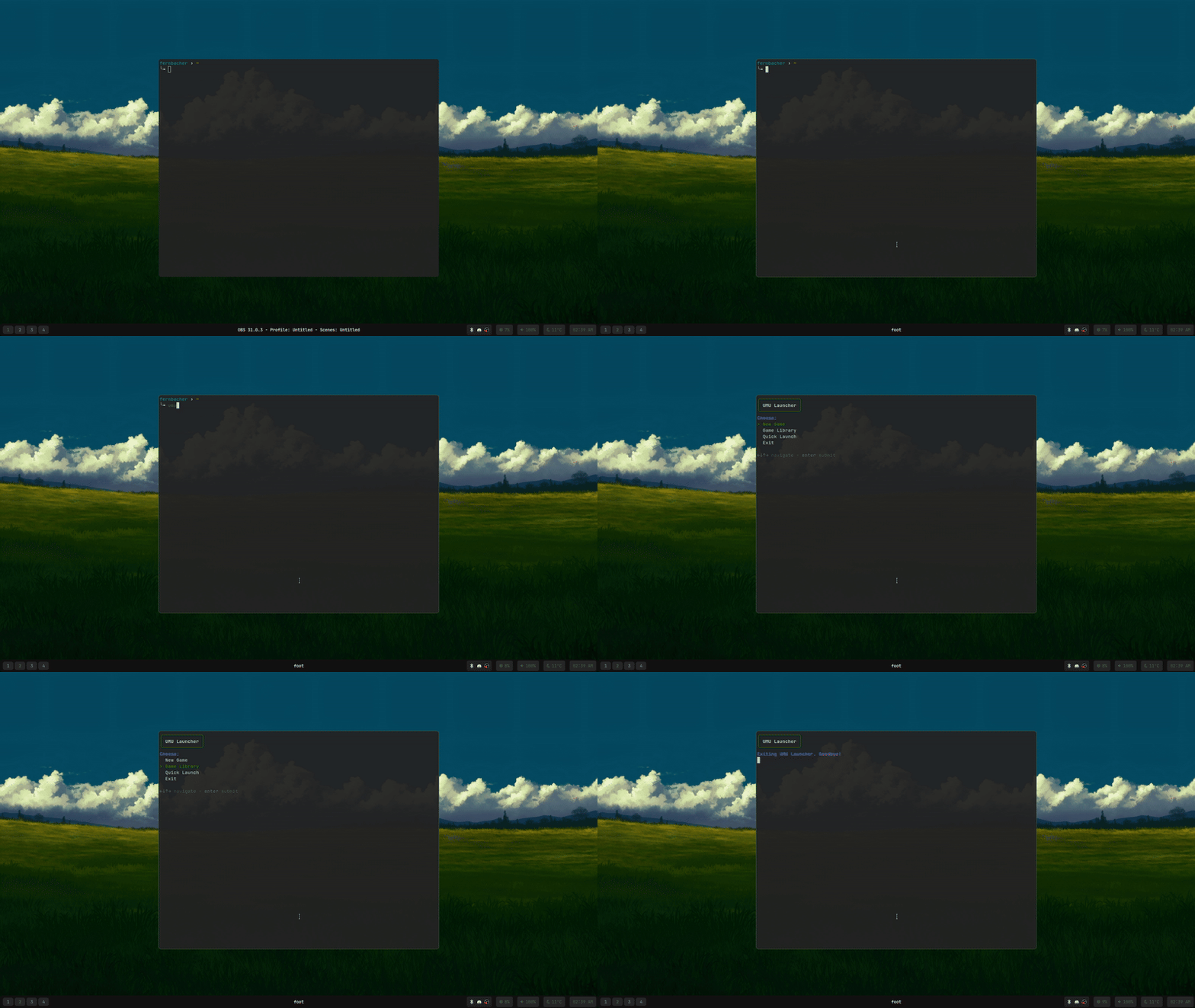
Features
New Game Setup
Intuitive file browser for selecting .exe files quickly.
Enhanced Game Library
Save, search, filter, and manage game configurations. Includes Proton version, env vars, launch options, and per-game prefix. Edit settings without launching.
Proton Detection
Automatically detects official Steam Proton and custom Proton versions.
Env Vars & CLI Args
Per-game customization for environment variables and command-line arguments, all saved to individual configs.
Tool Integration
Optional seamless integration with Gamescope, Gamemode, and MangoHud for an enhanced gaming experience.
Wine Prefix Management
Uses a shared default prefix (umu-default) or allows for per-game Wine prefixes from the library.
Comprehensive Logging
Detailed logs generated in ~/.local/share/umu-launch-gum/logs/ for easy troubleshooting.
True Quick Launch
Instantly launch your last played library game with its exact saved configuration using the menu or --quick / -q flag.
Customizable Colors
Personalize the TUI appearance with configurable color schemes via the config file.
Usage
-
Make the script executable:
chmod +x umu-launch-gum.sh -
Run the script from your terminal:
./umu-launch-gum.sh -
Navigate the TUI menu options:
- New Game: Set up a new game by selecting its executable and configuring options.
- Game Library: Search, filter, launch, edit configurations, view details, or delete your saved games.
- Quick Launch: Instantly start the last game played from the library (also via
--quickor-qCLI argument). - Exit: Close the launcher.
-
For convenience, add an alias to your shell's configuration file (e.g.,
.bashrc,.zshrc):alias ulg="/path/to/your/umu-launch-gum.sh"Remember to source your shell config or open a new terminal after adding the alias.
Configuration (Optional)
Customize UMU-Launch-Gum by editing its configuration file. While not required, it offers advanced control.
Config File Location
~/.config/umu-launch-gum/config.conf
Format Details
Uses a straightforward VARIABLE="value" syntax. Lines beginning with # are ignored as comments.
Key Variables
CUSTOM_PROTON_DIRS- Array of paths to custom Proton installations. Example:
CUSTOM_PROTON_DIRS=("/opt/custom-proton" "~/.steam/root/compatibilitytools.d") STEAM_LIB_DIRS- Array of Steam library paths for Proton version detection. Example:
STEAM_LIB_DIRS=("~/.steam/steam/steamapps" "/mnt/games/steamapps") STEAM_PROTON_SUBDIR- Subdirectory within Steam library folders for Proton. Default:
common(as part ofsteamapps/common) DEFAULT_GAMESCOPE_PARAMS- Default parameters for Gamescope. Example:
DEFAULT_GAMESCOPE_PARAMS="-f -W 1920 -H 1080 --hdr-enabled" UNIVERSAL_PREFIX_NAME- Name for the default shared Wine prefix when adding new games. Default:
umu-default - TUI Color Customization:
- Customize TUI colors. Values are typically ANSI color codes.
HEADER_FG_COLOR- Foreground color for headers. (Default: "28")
SELECTED_FG_COLOR- Foreground color for selected items. (Default: "205")
CURSOR_FG_COLOR- Foreground color for cursors. (Default: "28")
INFO_FG- Foreground for informational messages. (Default: "99")
SUCCESS_FG- Foreground for success messages. (Default: "40")
WARNING_FG- Foreground for warning messages. (Default: "214")
ERROR_FG- Foreground for error messages. (Default: "196")
DEP_LABEL_FG- Foreground for dependency check labels. (Default: "240")
DEP_FOUND_FG- Foreground for "Found" status in dependency checks. (Default: "40")
DEP_MISSING_FG- Foreground for "Missing" status in dependency checks. (Default: "196")
Example config.conf
# UMU-Launch-Gum User Configuration

# Custom directories for Proton builds (space separated if multiple, quote paths with spaces)
CUSTOM_PROTON_DIRS=("$HOME/.local/share/Steam/compatibilitytools.d" "/mnt/games/custom-proton-versions")

# Steam library directories for official Proton
STEAM_LIB_DIRS=("$HOME/.steam/steam" "/srv/steam") # Points to root of Steam library

# Subdirectory in Steam library for Proton (usually "steamapps/common")
# STEAM_PROTON_SUBDIR="steamapps/common"

# Default Gamescope parameters (if Gamescope is enabled per-game)
DEFAULT_GAMESCOPE_PARAMS="-f -W 2560 -H 1440 --fsr-sharpness 2"

# Default Wine prefix name for new games
UNIVERSAL_PREFIX_NAME="umu-prefix-main"

# --- TUI Color Customization Examples ---
# HEADER_FG_COLOR="33"
# SELECTED_FG_COLOR="220"
# INFO_FG="245"
Data Files
UMU-Launch-Gum stores user-specific data in the following locations within your home directory.
- Game Library Configurations:
~/.local/share/umu-launch-gum/library/(Individual.jsonfiles per game) - Last Played Game Record:
~/.local/share/umu-launch-gum/last_game_config.jsonpath - Application Logs:
~/.local/share/umu-launch-gum/logs/